Use the Load a Saved Trip feature to apply a previously defined route to your application.
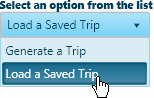
From the Trip Definition drop-down, choose the Load a Saved Trip option.
The Trip Definition pane will change, reconfiguring to present a list of recorded routes. The list can be very long, so use the slider on the right side to scroll down through all of the options.
Choose the desired route by clicking on the Trip Name.
The Map shows your trip.
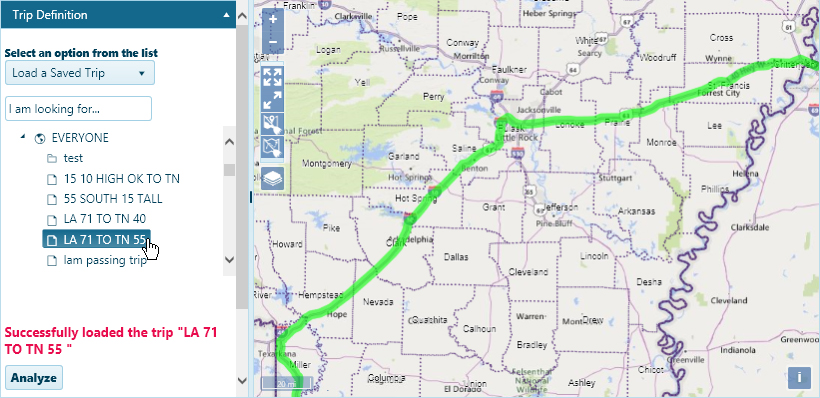
Click the Analyze button to have the system evaluate your trip.
Review the results on the Analysis Results & Directions pane.
Use the Override and Edit options to work around analysis complications and move the application forward.
Override Analysis – check this box to allow a trip that failed analysis
Override Trip – check this box to disable the other Trip page functionality, allowing the application to proceed without a successfully analyzed route
Edit Trip – click this button if you checked the Override Trip box but you want to enter a text description of your route
Click the Save button to avoid losing your application.

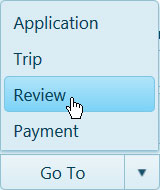
Expand the Go To drop-down on the Features bar and choose Review.